

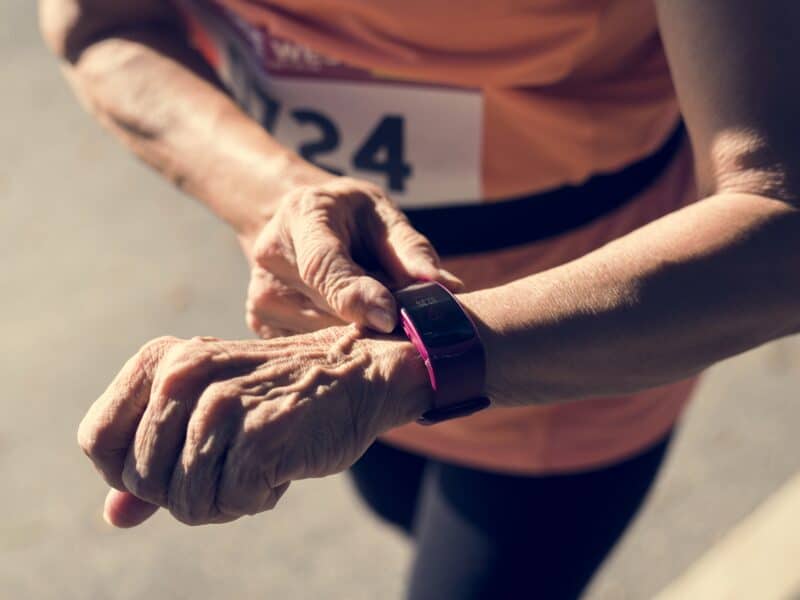
Exercising confers multiple benefits to seniors, both physically and psychologically, so why don’t they stay active? Well, one reason that older adults cite is a general lack of apathy or demotivation. Some find exercises to be boring while others just don’t have the energy.
Enter fitness trackers. Recent studies have demonstrated that using devices to keep tabs on physical activity is an excellent way to boost one’s motivation. While the geriatric population is portrayed as being uninterested in physical activity, perhaps all they need is an activity tracker to steer them on the right path of health and fitness.
Our Finest Picks:
Top 5 Fitness Trackers for the Elderly
1- Garmin Vivosmart HR+
If you’re looking for an activity tracker that offers excellent value for money, the Garmin Vivosmart HR+ is your best bet.
The first thing you’ll notice is its traditional watch strap. Compared to the complex tab-and-hole setup found in some fitness trackers, this one is a lot easier to work with. This is one of the aspects that makes it so suitable for seniors.
However, it’s a little thicker than its predecessor- the vivosmart HR. The HR+ is 0.58 inches thick while the HR is 0.48 inches thick.
When it comes to display, fitness tracker manufacturers are faced with a dilemma of choosing between something classy or something functional.
Garmin chose the latter by adding a monochrome display. While this may not be the most adorable display you’ve ever seen, it has one major advantage: it stays on 24/7. Plus, you can view stats even in direct sunlight.
When it comes to performance, there are several things this tracker does. One, it measures your heart rate. It also tracks the distance and pace at which you walk or run.
The HR+ also has a long-lasting battery life, which stays up to 5 days on a single charge. But if you’re using the GPS function, it will only last about 8 hours. Compared to other trackers like the Gear Fit2, Garmin lasts much longer.
The only area where this fitness device falls short is the fact that it does not have an indicator for battery life. Usually, you have to dig through a ton of settings to determine how much juice it has left.
Pros
- Bright display shows data clearly even in intense sunlight
- Easy to use
- Can track the number of floors climbed, steps and distance
- Also measures your heart rate
Cons
- No icon for the battery life
Garmin Vivosmart HR+ is a GPS-enabled fitness tracker that also provides heart rate monitoring, activity tracking and smartphone alerts. And thanks to its bright display, you’ll be able to view your health stats even in very bright conditions.
2- Fitbit Charge 2
An improvement on the Fitbit Charge HR, the Fitbit Charge 2 is another activity tracker worth considering. This one is chock-full of features that will help you stay fit in your golden years.
Like most of Fitbit’s trackers, the Charge 2 tracker is worn on the wrist. It has a metallic body and elastomer band that feels comfy and lightweight.
So even though this tracker is about 9 grams heavier than the HR, you probably won’t even notice because of how light it feels. What this means is that you can wear the tracker for long hours without feeling fatigued.
Function-wise, the tracker is equipped with MEMS 3-axis accelerometer that tracks the number of steps, distance, sleep duration and quality as well as active minutes and hourly activity.
While the Charge 2 might not have the HR label in its name, it still has the PurePulse Heart Rate monitor that was found in Fitbit Charge HR. The purpose of this is to monitor the intensity of your workout and calorie burn.
Another feature you’ll love about this fitness tracker is its large interactive OLED display. This not only provides space to show more stats but it also shows characters boldly. This is a very useful feature for seniors given that a majority of them suffer vision loss.
If you’re a senior citizen who leads a busy life, you’ll appreciate the new Guided Breathing feature on this tracker. What this component does is to assist you find moments of calm based on your heart rate. Using PurePulse, the tracker measures your heart rate fluctuations, and then determines the most comfortable breathing pace for you.
Pros
- It’s an all-in-one tracker- monitors distance, number of steps, heart rate, and more
- Has a unique Relax mode to regulate your breathing
- Uses interchangeable bands
- Large display makes it easy to view stats
- 5-day battery life
- Provides consistent and accurate tracking
Cons
- Does not have a built-in GPS
- It’s not waterproof- since it’s only water-resistant, you can’t wear it when swimming or showering
A less bulky option than the Garmin Vivosmart HR+, Fitbit Charge 2 is another great activity tracker for the elderly. A massive display, long battery life and accurate tracking are some of the features that make it stand out.
3- Fitbit One Wireless Activity Plus Sleep Tracker
Most seniors don’t get the right amount of rest. If you want to track your sleeping patterns, you should invest in a fitness tracker like Fitbit One Wireless Tracker.
While this device doubles up as a pedometer to measure distance and stairs climbed, its key highlight is the ability to monitor your sleep patterns. It also has a silent alarm to wake you up in time. In fact, it allows you to set up to 8 vibration alarms.
Another noteworthy feature of this tracker is its flexibility. Most activity trackers can only be worn on the wrist. Conversely, the Fitbit One comes with an interchangeable silicone sleeve and a belt clip. This gives you the freedom to clip it to your neckline or bra or even use it as a pendant.
If you want to view your physical activity levels, this gadget has two options for uploading statistics. One, you can link it to a phone app. Or, use a USB cable attached to your PC.
With the latter method, you’ll have to download the Fitbit Connect software first. But once the program is up and running, the tracker will automatically upload data anytime you come within 20 feet of your PC. This is where it gets the ‘wireless’ label from.
Many seniors also like the ‘default goals’ feature. This way, they don’t have to rack their brains trying to figure what their ideal health goals should be.
If you’re not certain, just pick from: 10,000 steps a day, 30 “active” minutes, 5 miles a day or 10 floors to climb. For a senior citizen though, you shouldn’t overexert yourself. Thus, the 30 active minutes goal is the most appropriate.
Pros
- Capable of monitoring sleep quality
- Wireless synchronization
- Includes a silent alarm
Cons
- Expensive
- No waterproof capabilities
No activity tracker can monitor your sleep patterns the way the Fitbit One Wireless tracker does. It also includes a silent alarm and offers two ways of viewing your activity data.
4- Xiaomi Mi Band 3 Fitness Tracker
If you’re not looking to spend too much money on your fitness tracker, the Xiaomi Mi Band 3 will fit your budget. It’s a refined version of the Mi Band 2, which did not rank highly despite its decent pricing.
The good news is: the Mi Band 3 is cheap and it’s more than compensated for the shortcomings of its predecessor. It’s incredibly light, tipping the scales at just 20 grams. As a matter of fact, you won’t even recall that you’re wearing it. It measures 17.9 x 46.9 x 12mm, so it doesn’t feel like a smartwatch either- it’s more compact.
Despite its small size, it has a sizeable screen – a 0.78-inch OLED panel, which rests lengthway on your wrist. Thanks to its touchscreen ability, the Xiaomi Band 3 is very easy to navigate. Just swipe left or right to access the menus.
While the screen isn’t all that bright, it has a decent resolution of 128 x 80 pixels, which improves viewing to some extent. That said, this screen has one major flaw: it’s hard to read characters in direct sunlight.
But for the price, it has a variety of features that make it worth the investment. For instance, it’s water-resistant up to 50 meters. Unlike the Fitbit models, you can comfortably wear this to the shower or pool and not worry about water damage.
When it comes to performance, the device does a good job of tracking your steps. Plus, it’s equipped with a heart rate monitor that rests directly on your skin.
Unfortunately, the heart-monitoring feature is not automated. This means that you have to turn it on anytime you want the tracker to record your heart rate.
Pros
- Affordable
- Touchscreen OLED display is user-friendly
- Excellent battery life
- Elegant design than other fitness trackers
- Water-resistant
Cons
- Low visibility outdoors
- Heart rate monitoring can be improved
Designed to overcome the shortcomings of its predecessor, Xiaomi Mi Band 3 is a pretty reliable activity tracker for seniors. And even though it’s cheap, it has numerous features such as a waterproof design, long battery life and touchscreen display.
5- LETSCOM Fitness Tracker
If you’re looking to purchase a fitness tracker for the senior in your life, the LETSCOM is a multifunctional device, making it one of the best choices. Essentially, it’s a watch, calorie counter, step counter and a heart rate monitor all in one.
While this fitness tracker doesn’t constantly rely on a smartphone, you’ll need to download an app when configuring its settings for the first time. Good news is this app- known as VeryFitPro- is compatible with both iOS and Android.
Once you’ve installed this program, you can use it to link your performance stats from the fitness tracker. This way, you can always refer to your Smartphone in case you need this information in the future.
Another aspect that sets this tracker apart is the work out mode. This feature enables you to log in data from a specific workout. For instance, if you go mountain climbing, the tracker can determine your distance, the number of calories that you burn as well as the number of steps from that exercise.
For accurate recording, the tracker begins counting after 35 steps to avoid accounting for the wrong movements. Furthermore, biking over cobblestones does not contribute to the step-count. To activate this mode, simply select “Walk” option on the screen.
One more thing we love about LETSCOM bracelet is the vibration setting. Once you’ve attained your daily goal(s), it will start vibrating on your wrist.
Furthermore, the tracker is one of the easiest to charge. Simply plug it into any USB port in a laptop or use your smartphone charger (Android).
The tracker’s screen is bright; hence easy to read even in sunlight. Usually, it displays the time just like a normal watch. However, once you choose other modes, it shows the respective stats. For example, the step mode displays the number of steps you’ve taken that far while heart rate mode shows your current beats per minute.
Pros
- Has a simple interface
- Helps to keep you aware of your physical activities (or lack thereof)
- Mobile app is user-friendly
- Available in numerous colors
Cons
- Increase options for viewing alerts
For a fitness tracker with multiple functions, the LETSCOM Fitness Tracker is your best option. It doubles up as a watch, heart rate monitor, calorie counter and step counter. It’s also easy to use and has a reasonably-sized display.
Thinking of buying a fitness tracker for yourself or another senior citizen? Here is a detailed guide on everything you need to know.
How do Fitness Trackers Work?
Before you make any purchases online, it’s a good idea to learn how these gadgets work. Essentially, fitness trackers use a range of tools that work jointly to gather data regarding your physical activity. This information is then interpreted using certain algorithms before being shown on the tracker’s display.
The precise tools used in each tracker differ depending on the manufacturer and model. Thus, no two trackers are the same.
However, there’s one similarity between these fitness trackers: they operate by measuring your movement(s). These gadgets utilize a 3-axis accelerometer- a tool that determines how fast and in what direction you make movements.
Apart from the accelerometer, some trackers also incorporate gyroscopes and altimeters. The gyroscope helps to evaluate the rotation and orientation of motion while the altimeter measures altitude. This is essential to determine the number of steps you climb in a day or the height of the mountain you hike.
Additionally, many manufacturers include different types of sensors. A good case in point is the built-in thermometer that keeps track of the temperature on the surface of your skin.
This really comes in handy as it helps you know when you’re experiencing abnormal fluctuations in temperature; hence, seek medical help. A few trackers also employ sensors for evaluating your sleep patterns.
The different sensors then measure these aspects based on variables such as acceleration, frequency, intensity and duration.
But since all this information can be overwhelming or too complicated to comprehend, the tracker uses an algorithm unique to its model. This way, the statistics you read on your tracker are easy to interpret.
Another point to note is that the majority of fitness trackers work with smartphones. Simply put; the data regarding your level of physical activity is shown on your smartphone or an app that you have to download on your phone.
What this means is that selecting a particular fitness tracker, to some extent, depends on the type of phone you have. Even though this sounds like a limitation, it’s not. This is because most trackers are compatible with both Android and iPhones.
How to Buy a Fitness Tracker for the Elderly
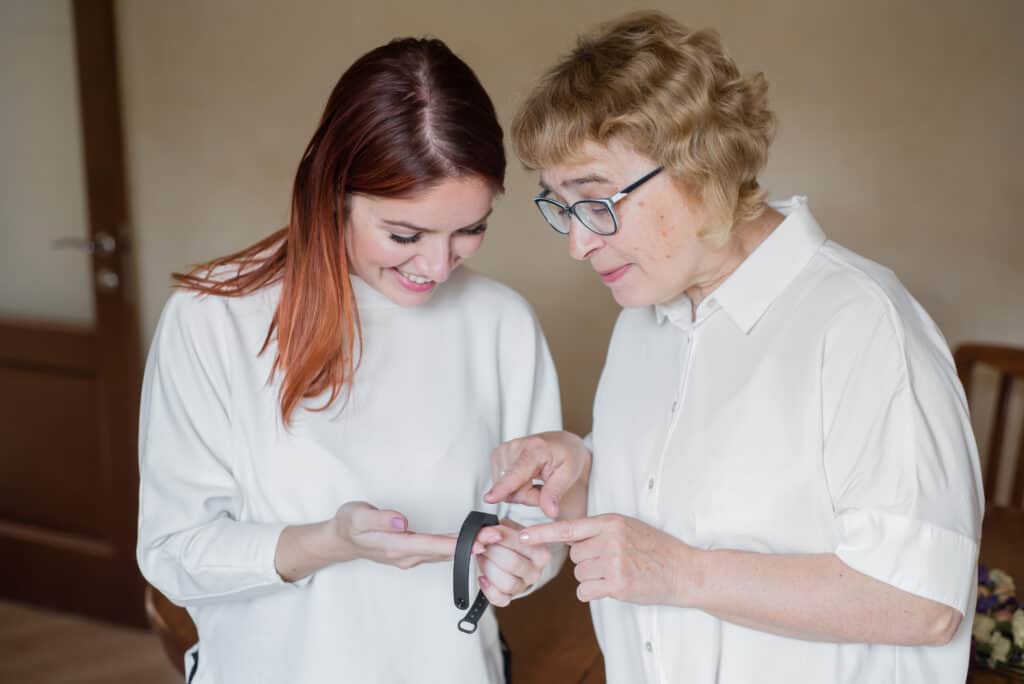
With so many activity trackers available on the market, how do you pick the best one for a senior citizen? Here are a couple of things you should keep in mind:
Purpose
The easiest way to find a tracker that suits your needs is to first determine the reason for purchasing it. Do you want to find out the distance you walk every day? Or do you prefer a multi-functional gadget that will track more than just your distance?
Ease of Use
An important feature this fitness tracker ought to have is a user-friendly interface. Not all senior citizens are tech-savvy. So for the sake of those who aren’t, most if not all of the tracker’s functions should be simplified.
Heart Rate Monitor
The majority of trackers that can be worn on the wrist have heart rate monitors. As the name suggests, this feature calculates the number of beats per minute.
By knowing your heart rate as you exercise, you can establish whether you’re overexerting yourself or whether you need to challenge yourself some more.
Sleep Monitoring
Would you like the tracker to monitor your sleep patterns? If you do, then you’ll need to find a model that offers this capability.
Such fitness trackers record your sleep patterns by watching your movement using the 3-axis accelerometer. Some of them even show the specific duration that you spend in either light or deep stages of sleep cycle based on your degree of movement.
Display Size
Visual impairment is very common among the elderly population. According to a study done by the Centers for Disease and Control, over 12 million Americans aged 40 years and above experienced vision and eye problems in 2015.
If you experience this problem, you’ll want to consider a fitness tracker with a larger screen. This way, you won’t strain to read the characters displayed.
Water Resistance
A fitness tracker is meant to be worn all the time, except when you’re swimming or taking a shower. But if you often forget to remove your wristwear during these instances, the water-resistance capability will come in handy.
Water-resistant fitness trackers can withstand water up to a certain depth without getting damaged. Ensure the device is described as water-resistant and not waterproof, as this means an entirely different thing.
How to Make the Most of Your Fitness Tracker
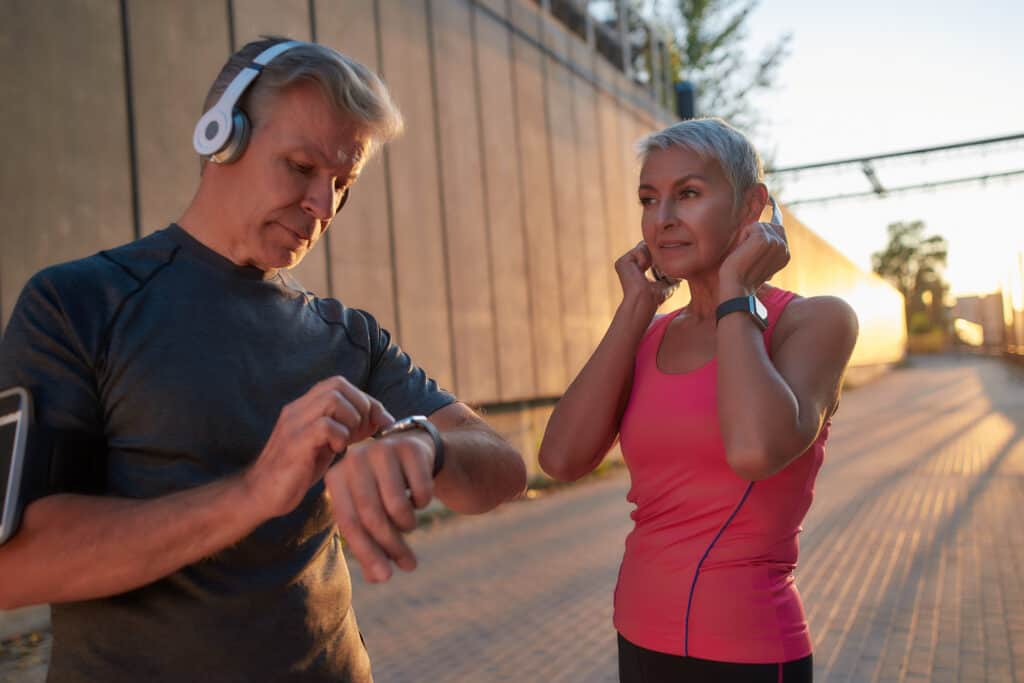
Deciding to get a fitness tracker is taking a step in the right direction. But once you get the device, you’ll want to do more than just strap it on your wrists. Essentially, you should ensure you’re making the most of your activity tracker by:
Setting targets and working towards them gradually
If you want to live even longer, one of the things you should do is set realistic health goals. Yes, tracking the distance you walk, run or cycle is vital. But to maintain that momentum, you should have objectives that you’re building on gradually.
In other words, start with simple goals. Once you achieve them on a consistent basis, you can challenge yourself further. For instance, you can set a target of walking half a mile at least twice a week. Do this consistently for the first few weeks or so and then upgrade to a mile.
The idea behind setting small, manageable goals is to help you develop healthy habits that you can adhere to in the long term.
Good news is: you won’t be doing this all alone. Fitness trackers come with goal-setting features, as well as personalized reminders and accountability tools. For instance, the Polar Loop reminds you to get on the move if you’ve been sedentary for over an hour.
Socialize
An easy way to stay motivated on your exercise regimen is to get competitive, or at the very least, interactive. Many fitness trackers now have social or community platforms integrated into their software.
But in case yours falls short in this sector, we also have apps equipped with leaderboards to compete on. Even if you don’t want to compete, you still get an opportunity to follow your family and friends and remark on each others’ activities.
Treat yourself
The feeling you get when you achieve your pre-set health goals coupled with the endorphins released after a moderately intense workout are enough of a reward. But it’s wise to find other ways of rewarding your hard efforts.
Still, you should be cautious when deciding how to reward yourself. Grabbing unhealthy snacks on your way home is only going to derail the targets you’ve worked so hard to achieve. Instead, treat yourself to that robotic vacuum you’ve had your eye on or a massage pillow to boost your comfort.
Record your diet
Exercising is just half the battle. If you really want to boost your health, you also need to pay attention to what you eat. So keep track of your food as well.
Unfortunately, most trackers don’t have an automatic system for recording this, but a few of the accompanying apps that come with these devices offer these tools.
In the event that the program for your tracker doesn’t, look for third-party apps like Calorie Counter by MyFitnessPal. This app has a wealth of information regarding food products and their nutritional profile.
Thanks to these features, you can record everything you eat. And in the same way that the tracker tallies the number of steps you take, it will calculate the amount of each nutrient you’re receiving. So if you’re taking calorie-filled foods, the tracker can will let you know and recommend what foods to eat for a healthier lifestyle.
Don’t take it off
An activity tracker is only going to be beneficial if it’s on your wrist. But it’s easy for seniors to forget to wear them, especially if they’re suffering from a memory disorder. If you constantly forget to wear your tracker, set up a reminder on your phone or note it down on paper.
One perk that most of these trackers offer is that they’re water-resistant. This means you don’t have to remove them every time you’re taking a shower. In fact, the only time you’ll have to remove them is when you’re charging them.
In this case, set a reminder on your cellphone to put it back on once it’s fully charged. And if you’re not using it to track your sleep patterns, you can charge it overnight and wear it immediately you get up in the morning.
Alternatively, you can look for a fitness tracker with a long battery life. Some models last for up to 30 days on a single charge. This will ensure that you’re tracking your physical activity throughout, which in turn, helps you to form a complete picture of your regimen and progress.
FAQs
Do All Fitness Trackers Work With Smartphones?
While most of these trackers are designed to work with smartphones, there are a few exceptions.
As we mentioned earlier, a good number of metrics are measured using tools inbuilt into the tracker itself. This means that the resulting data can be displayed on onboard visual screen without linking the tracker to your phone.
That said, it’s better to consider fitness trackers with both options. In other words, look for a model that has a high-quality screen and can be synced to a phone. The reason for this is that phone synchronization has a couple of benefits such as:
- Tracking your history- most trackers can only store information for 1 to 7 days, after which they automatically erase it. If you want to monitor your physical activity over a period of time, uploading the data to your cellphone is the easiest way.
- Ability to receive incoming calls, text messages and Whatsapp alerts. By connecting the two, you can conveniently answer calls and respond to texts through the tracker
- Shows all the information- to maintain a minimalist design, the screen on most trackers is just small enough to accommodate a few details. If you want to view charts or graphs that show your health progress, you’ll be able to see them more clearly on your phone.
How accurate are Fitness Trackers?
No one tracker can be 100% accurate. However, the technology employed in these devices has evolved significantly so the trackers of the present day are more precise than the old versions.
One aspect that most gadgets are good at tracking is motion: number of steps, floors climbed and more.
Thanks to newer technology, fitness trackers can now distinguish between a small movement of the wrist and not consider this as a step. So if you’re typing or playing computer games, the tracker won’t count these as steps.
Conclusion
Physical activity offers countless benefits for people across all ages, but more so for the elderly population. If you’re a senior citizen, you can enjoy additional benefits such as the reduced risk of chronic disease, lower likelihood of suffering injuries and even improved mood.
The easiest way to ensure you’re staying active is to invest in a fitness tracker. This gadget will calculate the number of steps you take each day, the number of calories you burn, how often you take breaks and more.
Garmin Vivosmart HR+ is a very useful tracker for seniors. Its simple design, user-friendly interface and mid-range price make it an attractive option. It also has a sizeable display, which shows all your stats such as steps, distance, heart rate and active intensity.